 EN
EN LT
LT DE
DE PL
PL DA
DA SV
SV NB
NB FI
FI IS
IS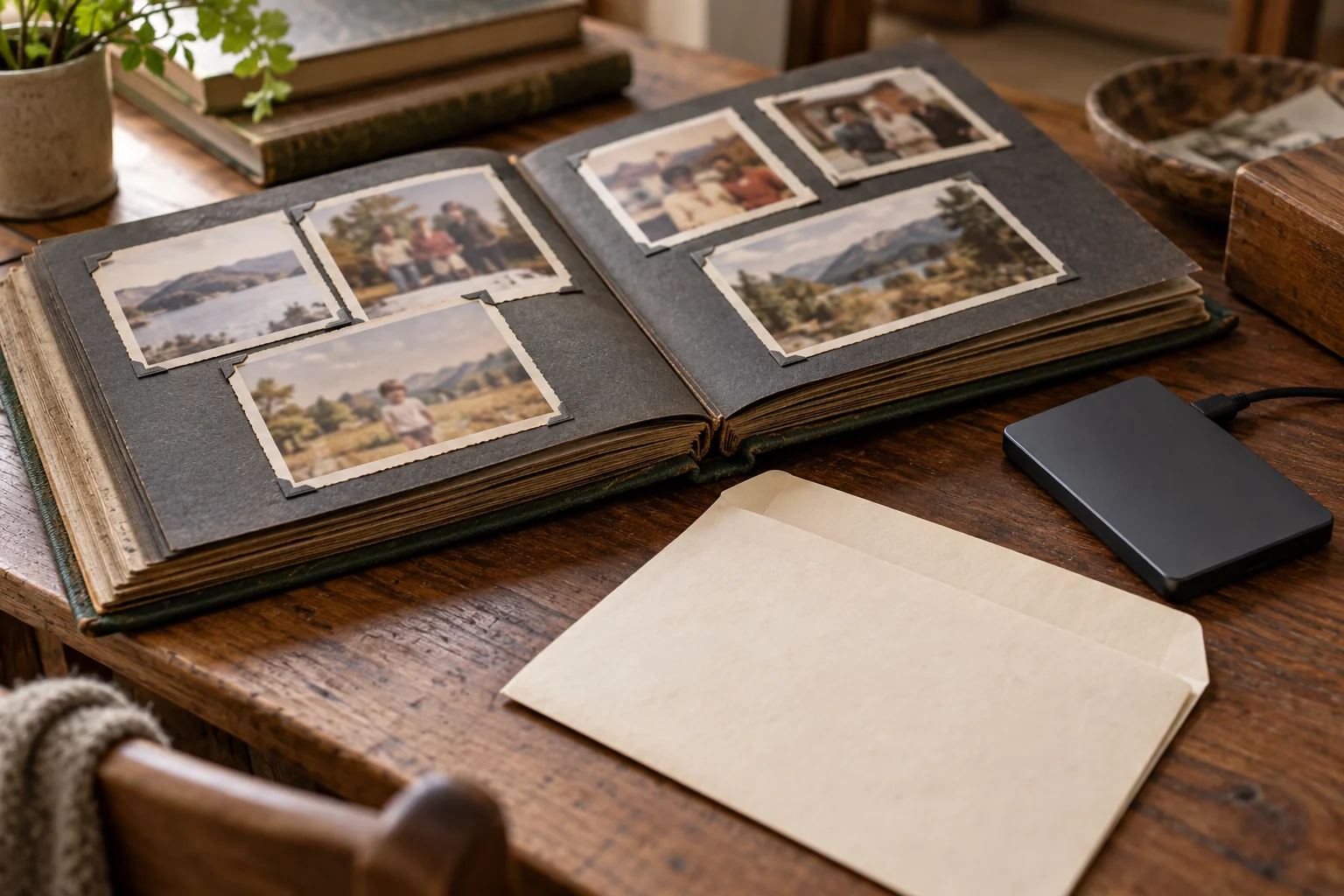
A memorial page and a family archive have different jobs. The page presents selected material; the archive preserves the files and their context. When photographs exist only inside one account, the family depends on access to that account and on the service continuing to operate. Establish an organised file collection before building a public presentation.
Collect original files where available
Ask relatives for the photograph or recording files they hold, rather than only a screenshot or forwarded preview. A screenshot can be a useful reference, but it does not replace an available original. Where no better version exists, retain what you have and record its source without presenting it as something it is not.
Separate collected originals from the copies selected for publication. Do not edit the original each time the page design changes. A reduced or cropped picture may suit a screen, while the earlier version remains useful for a printed album or another presentation. Keeping both avoids having to locate the source again.
Preserve context alongside the image
The Library of Congress personal digital records guidance recommends organised files and descriptive names. A family collection also benefits from a simple description document recording people, places, dates and contributors. Mark unknown details as unknown rather than presenting a guessed date as established information.
Choose one naming convention, such as a known date, short place name and sequence number. Put longer stories in a separate text document instead of attempting to fit them into the filename. Consistent folders and descriptions help another relative understand the collection without needing the organiser to explain every file individually.
Agree access before publication
Decide which material stays within the family and which files may be displayed publicly. Discuss the wishes of contributors and people shown in photographs before posting. Being included in a shared folder should not automatically mean that every item is suitable for a public memorial website or social media account.
A shared link is an access choice, not an automatic privacy guarantee. Agree who receives it and who can add or remove content. When using an online service, read its sharing settings. Do not put passwords into public descriptions or page text, even if doing so initially seems convenient for other relatives.
Test copies by opening the files
The Library recommends keeping copies in different locations and checking them periodically. A completed copy notification does not prove the contents are readable. Open photographs, play a recording and check the description document. A second folder on the same device does not protect against losing that device.
Record where copies are held and when they were last checked. A short list understood by the responsible family member is more useful than an elaborate system nobody maintains. When changing storage, verify the new copy before deleting the old one rather than discovering missing material after the original has gone.
Make the archive transferable
Agree who maintains the collection and how another relative can receive it. Keep information about any online service and its export options separately from the public page. A website may change or close; transferring the archive should not depend entirely on somebody remembering the administrator’s account name.
Begin with a manageable selection and clear folder structure. The photograph archive guide covers organising physical and digital pictures. Once the underlying collection is secure, consider a public presentation, QR link or additional features. Preserve the material in a form that remains usable without that particular website.